
Ridgefield Resident Lookup Record Map
A Ridgefield resident lookup builds an evidence chain, not one master list. No single roll answers every question. The Assessor, Town Clerk, state courts, probate district, vital-record custodian, library, and state agencies each hold a piece of it. Ask first what role a record supports. Owner, taxpayer, voter, fiduciary, and decedent are different roles.
| Record | What it can confirm | Where and coverage | Access limit |
|---|---|---|---|
| Assessor / eQuality card | Recorded owner or name lead, parcel, situs, use, sales and card fields | Ridgefield property-card search; updated 06/30/2026 | Not proof of current occupant |
| AxisGIS parcel map | Address-to-parcel link, MBL pattern, adjacent geography | AxisGIS Ridgefield; current configuration marked 2024 | Informational map; verify deed or map |
| Tax bills | Taxpayer, property name or property number lead | Ridgefield MyTaxBill search | Taxpayer or mailing data is not residence proof |
| Town land records | Grantor, grantee, document type, date, book/page, instrument or case | Ridgefield Town Clerk / SearchIQS; index and image cutoffs differ | Clerk does not perform title searches |
| Voter registration | Registration, address, party, status, participation fields allowed by law | Connecticut SOTS lookup; statewide system | Birth month/day exempt; CSV has strict use rules |
| Vital records | Birth, marriage, death event and relationship facts where eligible | Ridgefield Town Clerk and Connecticut DPH, generally 7/1/1897 onward statewide | Recent birth and SSN details are restricted |
| RHS obituary / Press | Historical name, birth year, issue date and article lead | RHS index 1875–1999; Library guide says 1875–2005; Press microfilm 1875+ | Index is not the full article or certificate |
| PD45 Probate | Estate or trust case number, filed date, role and district | Northern Fairfield County Probate District; online search Jan. 5, 2011 onward | Older returns are incomplete; a case is not residence proof |
| Judicial civil / criminal | Party, docket, court, date, type and disposition where public | Connecticut Judicial Branch portals | Sealed, family, erased, older, or protected records may be absent |
| DCF Reunion Registry | Eligible birth-family information and consent-based contact route | DCF for adoptions since 1944; pre-1944 Probate route | Not a public lookup; identity and mutual consent rules apply |
| eLicense / SOS | Public credential, entity, principal, agent, or business address | Connecticut state search services | Business or credential address is not a private residence |
Start with the least sensitive source. A family-history search might open with an obituary index or a library shelf, while a parcel question starts with eQuality and AxisGIS. A case question belongs in the Judicial or Probate portal. Keep custodian, date, and role in the note.
Eight Steps for a Ridgefield Name Search
The Ridgefield workflow separates evidence before it tries to join it. Keep a worksheet handy. For each hit, record the exact name spelling, the known date range, the street or parcel, the source URL, the record date, the field used, and a confidence note. A search can stop at any step.
- Normalize the purpose. Decide whether the question concerns a living-person lead, historical occupant, family reconnection, heir, civic affiliation, or property history. The lawful source path changes with the purpose.
- Build name variants. Record surname, middle initial, suffix, maiden or married name, common abbreviation, and likely spelling change. Keep every variant in the worksheet.
- Choose a non-sensitive anchor. Use a known street, parcel, date, obituary issue, public meeting, business filing, or probate district instead of starting with a broad name-only result.
- Check the property layer. Use eQuality, AxisGIS, and tax-bill search for parcel, owner, mailing, situs, taxpayer, or property-name leads. Do not relabel any one of them as resident.
- Use the relevant official index. Choose SOTS for a registration question, SearchIQS for a recorded instrument, PD45 for estate or trust context, Judicial for a case, or eLicense and SOS for a public credential or entity.
- Bridge backward or sideways. For a deceased or historical person, compare Press, obituary, cemetery, directory, deed, map, probate, and vital evidence. For a street question, shift to the Ridgefield Street Directory address chain instead of forcing a name-only search.
- Verify two independent fields. A full name plus matching birth year, obituary date, parcel, directory address, or case number is stronger than a surname and street alone. Preserve the source role.
- Stop and disclose gaps. Say when a portal is blocked, a result is not rendered, a record is restricted, the date coverage is incomplete, or the namesake problem remains. A gap is better than a guessed identity.
Unranked name matches help no one. The workflow stops that pile. It protects a historical Ridgefield resident from being mistaken for a living one, and it keeps a property owner from being described as the current household.
Ridgefield Name Variants and Identity Anchors
Search a surname with and without a middle initial. Then test a maiden name, married name, suffix, abbreviation, and likely spelling variations. The Ridgefield Historical Society obituary index proves the point. One visible row reads “Edith (King) – Mrs. Malcolm.” Searching only Edith, or only Malcolm, could miss the same notice.
Press dates need care too. The RHS table may show a blank birth year, a year that is only a clue, or several Press Dates for one person. A row such as Wilson, John Mortimer, 1936, 03/25/1999 gives a name, a likely birth year, and an issue date, but no address or article text. Follow the issue date before claiming a family link. Library microfilm or an RHS research request holds the full article.
Identity anchor. Prefer two matching fields, such as a full name and birth year plus a dated address, over a single name that appears in several Ridgefield record systems.
Business, license, probate, voter, deed, and obituary entries describe different roles too. A fiduciary is not the decedent. A principal or agent in an entity filing may list a public business address instead of a home. A directory entry describes a person at one date. Copy the role and date into your worksheet rather than smoothing them into one biography.
For a public credential or organization question, turn to Connecticut’s eLicense lookup or the Secretary of the State business search. The roster route is free. eLicense filters on Credential Type, Number, SubCategory, License Status, Business Name/DBA/Nickname, name, address, city, state, ZIP, and country across more than 850 credential types. It searches name, ALEI, or filing number. The business service can show a principal, agent, formation date, entity type, and registered street address. Treat those as role or entity leads. They are not private residence proof.
Ridgefield Property Cards and Residency
Property records anchor a Ridgefield search when the question concerns a parcel. They prove little about who lives there now. eQuality’s owner search accepts last-name-first text, street number, a street dropdown, unit, MBL, unique identifier, and condominium complex. Results list Street Name, Number, Unit, Name, Uniqueid, MBL, Property Use, Acres, Zone, Buildings, and Condo Complex. Sample E150262 / E15-0262 marks a municipal parcel. It does not establish a private occupant.
AxisGIS supplies the map and address bridge. Its documented prompt accepts a parcel number or address. Clicking a parcel can open the eQuality card or a PDF field card. MyTaxBill searches a name, property number, or property name, with Tax Bills and Sewer-Water-Misc tabs. Label each result carefully. Owner, mailing, situs, taxpayer, property name, and parcel mean different things.
A card field can still puzzle you. The Assessor sits at Town Hall, 400 Main Street, lower level. Al Garzi is listed at 203-431-2706. That route explains card fields. The office still does not turn an owner record into a current-occupant finding.
| Source field | What it supports | What it does not prove |
|---|---|---|
| Owner or Name | A named property-card or recorded-party lead | Current physical presence or family relationship |
| Situs / Location | Physical parcel address used by the town system | That every person at the address is listed |
| Mailing / Taxpayer | Where a notice or bill is directed, when shown | Who lives at the situs |
| MBL / Unique ID | A stable cross-check across card, map, deed, and permit records | Identity of a person connected with the parcel |
| Sales or permit heading | A date and document lead for property history | Move-in date, household size, or current status |
Note: Cite a Ridgefield property card as parcel or owner evidence, never as a complete resident record or proof of occupancy.
Court Fields in a Ridgefield Resident Lookup
Connecticut's Judicial Branch splits its online access into criminal, civil, and case-lookup routes. The criminal side handles a Ridgefield resident lookup. The pending-defendant form needs a last name beginning with the text you supply. The cap is 60 characters. Everything else is optional. Birth Year, a Year Range +/-, Court Location, and Case Type can all narrow the search. They can also be left blank. Pending case types cover Criminal, Motor Vehicle, and a referred license or registration category. The conviction search offers Criminal and Motor Vehicle options instead.
| Judicial search field | Research use and limit |
|---|---|
| Last Name (begins with) | Required begins-with text; broad matches need a second identity field. |
| Birth Year | Optional four-digit filter; use only as an identity check, not as a public current-person conclusion. |
| Year Range +/- | Optional one-character range around the birth year. |
| Court Location | Optional court filter, including Bridgeport, Danbury, Stamford, Norwalk, and other listed locations. |
| Case Type | Optional pending or conviction category; the form presents different options by mode. |
| Search and result detail | Use case number, court, date, disposition, and party identity to verify. No live Ridgefield-named sample was selected. |
The Connecticut civil party search opens several routes: Party Search, Get Docket, Attorney/Firm, Property Address Search, plus short-calendar and legal-notice options. The live form can land on an error page. A retry or the courthouse terminal may be needed. Online civil e-file coverage generally starts with return dates on or after 01/01/2014. Older matters, sealed files, family cases, and courthouse-only material may not show up online at all. The official search page is still the right first stop. Treat a name as a case lead in a Ridgefield resident lookup only after that check.
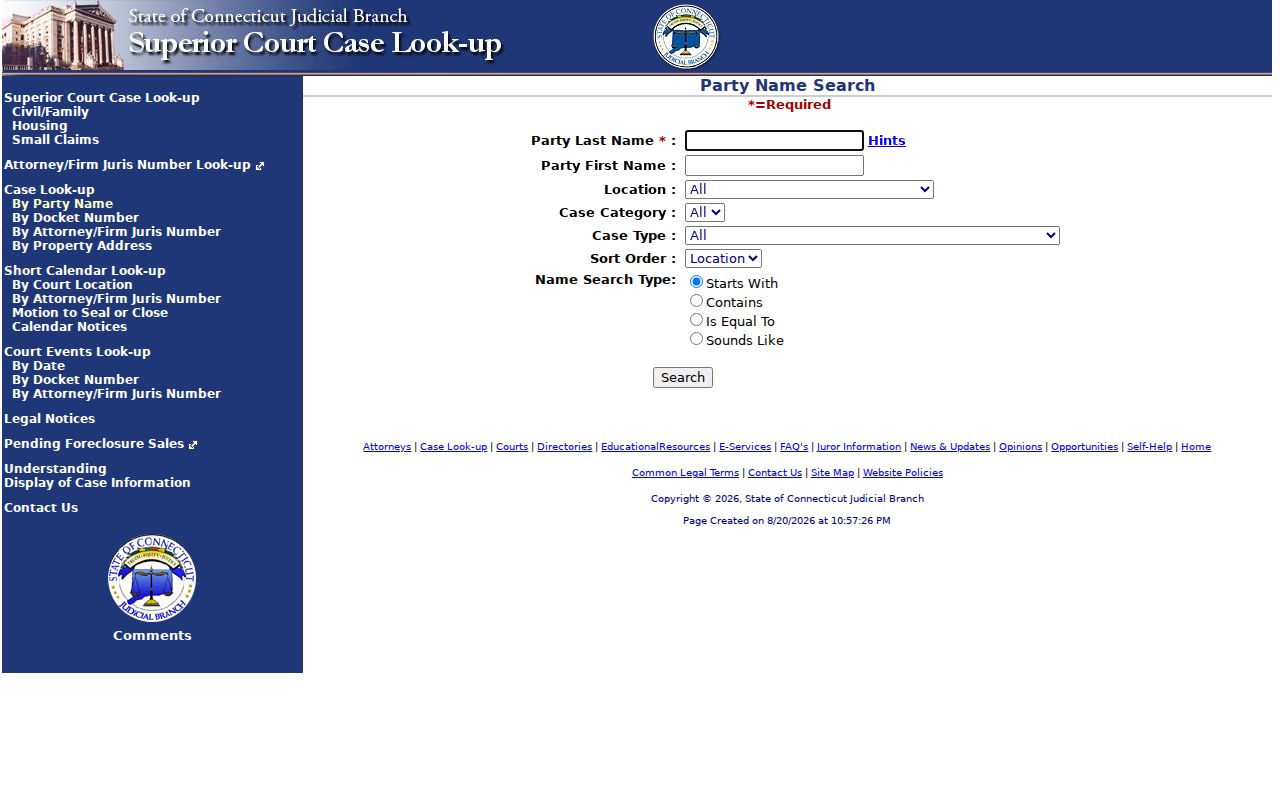
A criminal result gives you a docket number or disposition. It does not give an address or say anything about character. Connecticut's erasure rules under CGS §54-142a matter here. A qualifying erased or removed matter should never be rebuilt from a missing result. If the online route fails, the courthouse public terminal or the relevant clerk is the fallback. Access rules still apply.
- Record the search mode and date displayed by the Judicial portal.
- Save the case number, court, date, type, and disposition before comparing a name.
- Do not turn a begins-with match into a confirmed person without a second anchor.
- Ask the court about older or protected material rather than guessing from absence.
PD45 Probate Records for a Ridgefield Name
Probate is often the more useful official name route for historical Ridgefield residents, heirs, and estate context. Ridgefield sits in the Northern Fairfield County Probate District, PD45. The district is based in Bethel at 1 School Street. Its listed phone is 203-794-8508. The online case lookup searches Decedent's Estate and Trusts by case type, district, status, first name, and last name. Results show case number, last name, first name, middle initial, type, and district.
The Northern Fairfield County Probate case lookup covers online Decedent Estate and Trust searches from 01/05/2011 to present. Returns are spottier before that. A detail view can add case ID, filed date, court name, and parties. A probate row shows a court file and a role, nothing more. It does not prove the decedent, fiduciary, trustee, or party actually lived in Ridgefield. When a name needs a formal estate trail, this lookup is the place to start.
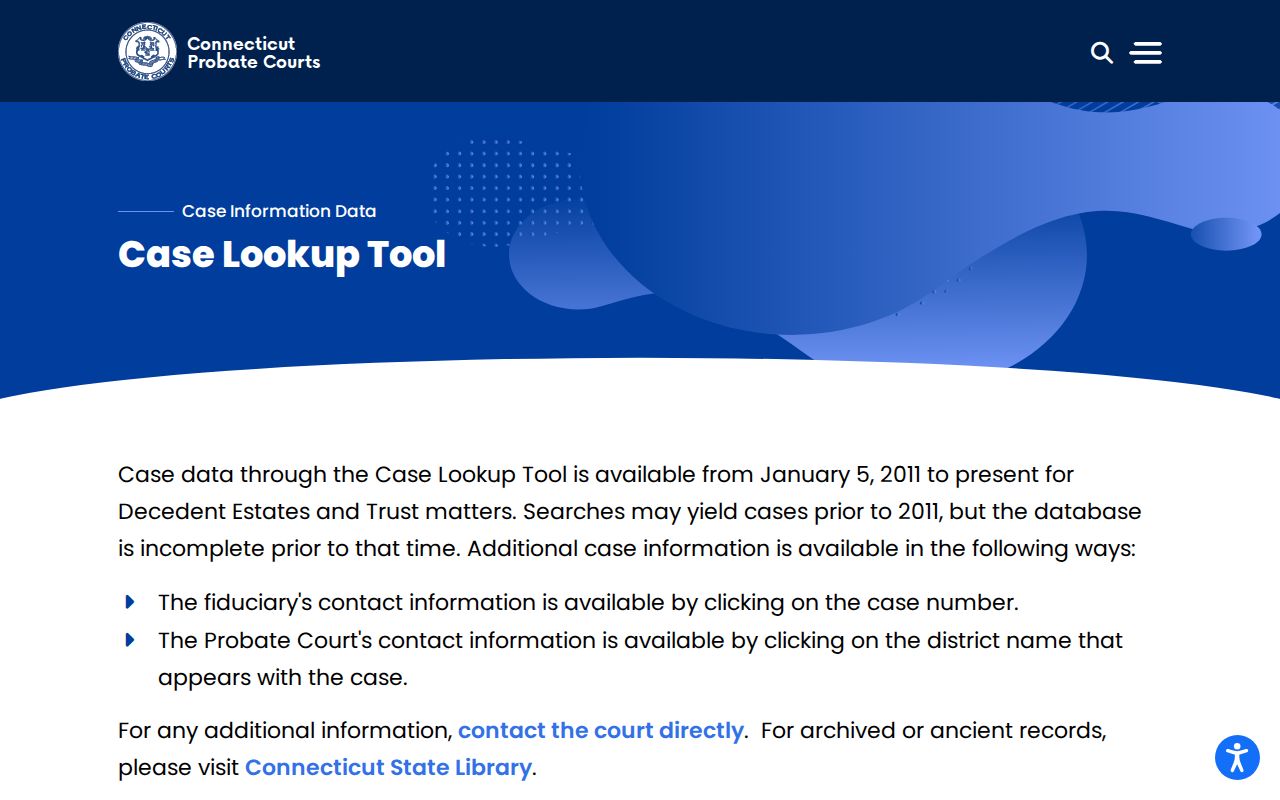
The public index returns rows with case number, name, type code, filed date, and the PD45 district. Treat those rows as examples of the index, not as a Ridgefield resident list. Older files can require a trip to the district court or the State Library. Read the type code alongside the case type, since it is not a plain-language status.
- Docket
- The court’s ordered record of a case or proceeding, often identified by a case number and dates.
- Index versus image
- An index gives searchable fields and a lead. An image or file contains the underlying document only when the custodian makes it available.
- Certified copy
- A copy issued or authenticated by the custodian for an authorized purpose. A screen result is not automatically certified.
Ridgefield Vital Records and Family History
For a Ridgefield vital event, start with the Town Clerk's local route. Compare it with the DPH statewide Office of Vital Records. The town route takes a form, picture ID when applicable, payment, and mail or in-person submission to 400 Main Street. VitalChek orders are fulfilled by DPH, not the Town Clerk. State coverage generally begins 07/01/1897. DPH notes the local event town is often quicker. State processing can take up to 12 weeks.
Birth records under 100 years stay limited to eligible requesters and listed genealogical access categories. A birth or fetal-death record at least 100 years old is generally open under CGS §7-51a and related rules. The birth form asks for full name, date and town of birth, and parent names. It also covers requester contact, relationship and reason, ID, format, and copies. The state copy fee is $30 each, payable by money order to the Treasurer, State of Connecticut.
Marriage and death routes differ. Anyone 18 or older can buy a certified marriage or death copy under the state rule. Redactions and SSN limits still apply. The marriage form lists spouses' names before marriage, date, town, requester information, copies, and a $20 fee. The death form asks for the decedent, death date and town, and birth and parent details. It also covers spouse, requester relationship, SSN choice, and long or short form. A death copy is $20. SSN display for deaths on or after 07/01/1997 is limited to an informant, surviving spouse, or next of kin with proof.
Use the Connecticut DPH vital-record applications for current forms and eligibility instructions. Requests go to the town or state by mail, in person, or through an approved VitalChek route. DPH lists 860-509-7700 for its Office of Vital Records, while the Ridgefield Town Clerk handles local-event requests. A vital index or obituary can suggest a person. It does not bypass a restricted certificate request.
Ridgefield FOI Requests When Indexes Fail
Not every record sits online. When an index you need is missing, the Connecticut Freedom of Information Act, CGS §§1-200 et seq., is the fallback. Send the request to the agency that keeps the record, such as the Ridgefield Town Clerk, the Assessor, the Police Department, the Building Department, or a state custodian. Name the record type, date range, and address or parcel, plus your preferred format. Say whether inspection before copies is acceptable.
Custodians have limits. No law forces one to create a new resident list, certify an inference, or disclose exempt fields, and there is no universal four-day deadline. Promptness is fact-specific. State and Judicial copies cost $0.25 per page, municipal and other copies $0.50, with separate certified-copy amounts. Prepayment may be required once an estimate reaches $10. Always ask for reasonably segregable non-exempt portions.
FOI cannot override address-safety programs, restricted vital fields, erased case history, or sealed court material. If a record is withheld, keep the exemption or redaction explanation and use the agency's stated review or appeal route. Name the record itself. Never demand a conclusion about a person.
Ridgefield Obituary Evidence for One Name
For a single historical name, start with the Ridgefield Historical Society obituary and death-notice index, whose collection page covers Ridgefield Press notices from 1875 through 1999. The Library guide extends the local index to 2005. Early issues have gaps. Each index row holds a last name, given name, birth year, and Press Date, not the article itself. Remember that a Press Date is the issue date, not necessarily the date of death.
Search with partial names. Try every maiden, married, spouse, and initial variant. Visible samples include Wilson, Edith (King) – Mrs. Malcolm, and Youmans, Katherine Lee, who carries several Press Dates. Record each date, then pull context from Library microfilm or the Society's research service. The Ridgefield Directory Book is the next stop. It covers the historical directory shelf and its dated runs.
Birth-family questions need a different route. Connecticut DCF lists several forms: DCF-338 for medical information, DCF-3060 for adult-adoptee requests, DCF-3061 for contact preferences and the Reunion Registry, and DCF-3062 for adoption-search requests. DCF manages eligible state adoptions since 1944. Pre-1944 searches go to the Probate Court involved. Forms require identity proof and notarization. Identifying contact depends on mutual consent. State DCF adoption searches carry no fee, though a private agency may charge.
The official Connecticut DCF Reunion Registry route explains the consent-based process and Search Unit contact at 860-990-5135.
The registry serves eligible relatives who want an official, consent-aware contact path. It is not a public address search, and a person may decline identifying contact.
Privacy Rules for One Ridgefield Resident
Connecticut sets its own privacy rules for public records. Secretary of the State (SOTS) materials allow public access to registration, address, party, status, participation, and birth year only. Participation history updates within 60 days after an election or primary. The statewide CSV costs $300. It comes in CSV format only. It also requires a certification for election-related, scholarly, journalistic, political, or governmental use. Personal, private, commercial, marketing, reproduction, and harassment uses are barred. For a question about one person, the official individual route is the only proper path. Use it only as its terms permit.
The SOTS voter nondisclosure application is a sworn request under CGS §9-50d(c). Voter-file requests go to SOTS LEAD, PO Box 150470, Hartford, CT 06115, with the listed LEAD@ct.gov email and 860-509-6100 phone. Ridgefield’s Democratic and Republican registrars are at 203-431-2771 and 203-431-2772 for local registration or privacy questions. Safe at Home runs through the Address Confidentiality Program. It gives qualifying participants a substitute address. It also limits release of the real address, except for listed legal exceptions. That protection does not automatically cover land, vital, DMV, or every other record. If a person says an address is protected, stop the search. Point to SOTS or the approved program route instead of triangulating another source.
The Connecticut Judicial Branch victim-resource page provides an official notification and support route separate from a general resident search.
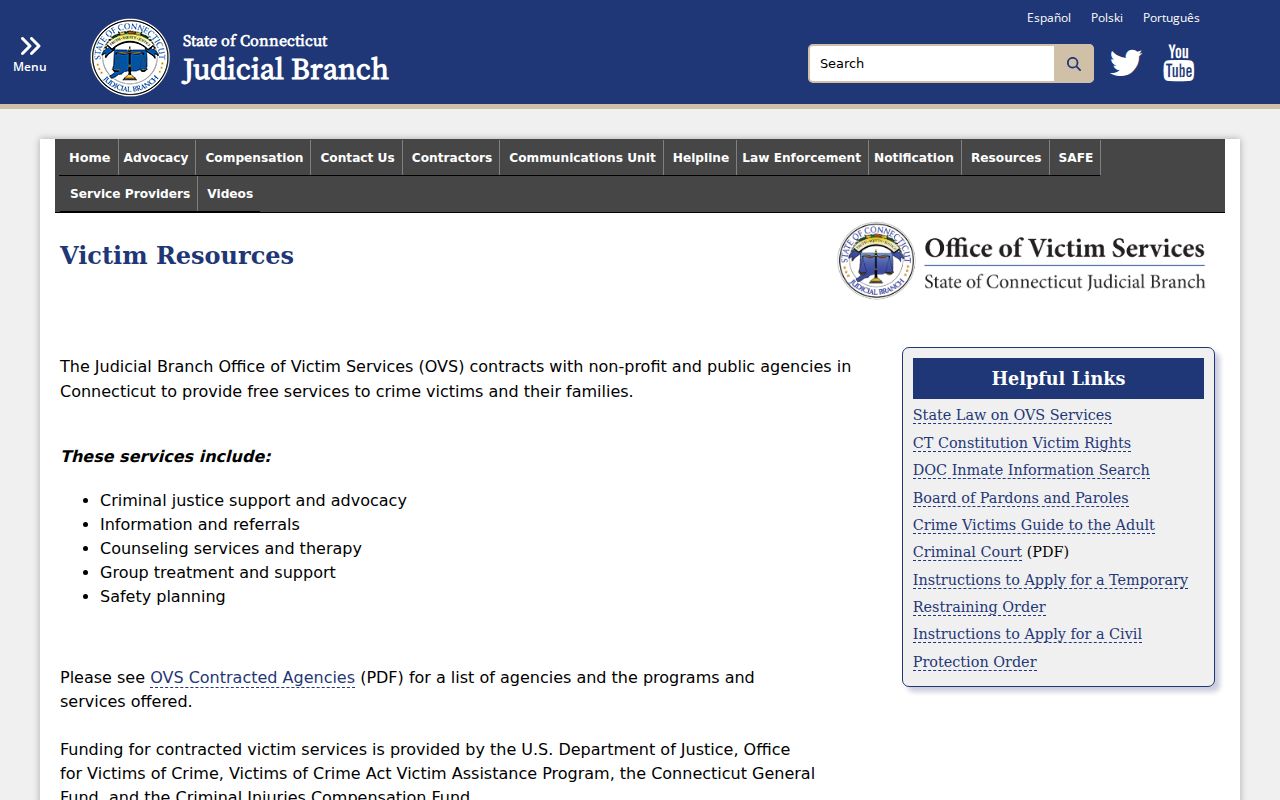
That distinction matters. Purpose drives access. A notification service, court index, voter record, property card, obituary, and vital certificate each has its own custodian and permitted purpose. Keep private phone numbers, emails, protected addresses, SSNs, sealed material, juvenile information, and unnecessary household details out of any resident record note.
Lawful use. A Ridgefield name search is for personal, lawful research such as genealogy, reconnection, an heir question, or civic context. Connecticut stalking statutes, including CGS §§53a-181c through 53a-181f, prohibit conduct such as repeated monitoring, following, harassment, or unwanted contact; consult the current Connecticut stalking chapter for the law.
A source can be wrong. Contact the custodian and identify the exact field, date, and record number. A record can be missing for several reasons. It may stem from erasure, sealing, a cutoff, or a privacy program. State that limit plainly. Reliability comes from preserving the boundary between a lead and a verified fact. A lead points somewhere. A verified fact stands on an official source.
Note: The safest Ridgefield name search stops at that line. The official source cannot resolve identity or lawfully release the requested detail.